
The 5-Minute WhatsApp Productivity Hack That Reclaims Hours
Stop letting WhatsApp notifications kill your focus. Learn how time-batching and scheduled replies help reclaim hours of deep work each week.
WhatsApp is useful for business and coordination, but it is also one of the easiest ways to fragment an otherwise productive day.
The best workaround is not ignoring communication entirely. It is redesigning when and how you deal with it so the app serves your schedule instead of controlling it.
The Hidden Cost of a Single "Ping"
A message interruption costs more than the few seconds it takes to read it. The bigger loss is the reset time required to get fully back into focused work.
Repeated context switching creates attention residue, which is why even quick replies can leave you scattered for the next hour.
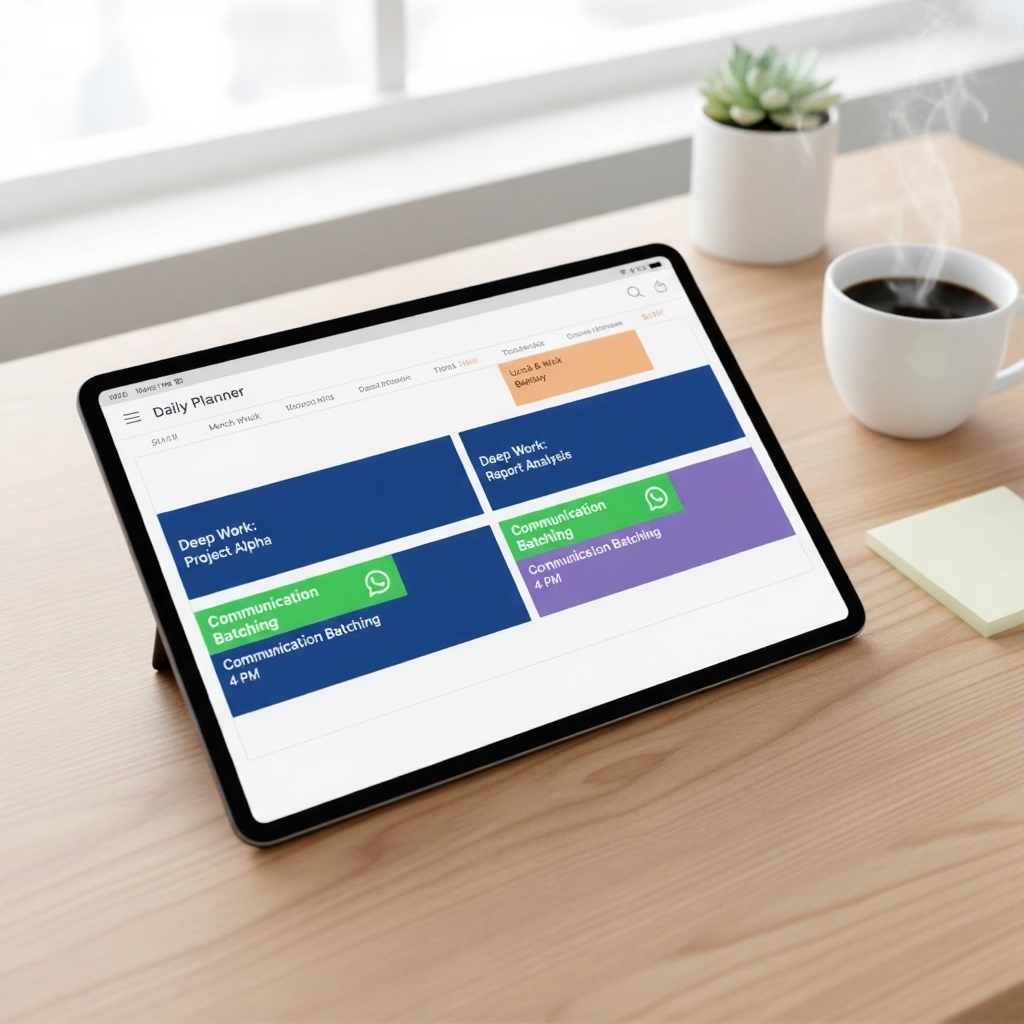
How Time-Batching Changes the Workflow
- Set one or two dedicated communication windows each day.
- Answer urgent messages immediately during those windows.
- Schedule non-urgent replies for later so your queue is cleared without extending the conversation loop.
This turns WhatsApp from a constant interruption source into a controlled async communication channel. You get responsiveness without sacrificing the rest of your day.
Why the Tool Matters as Much as the Habit
A productivity system fails if the app itself adds friction. Ads, clutter, and awkward scheduling flows make people fall back to reactive behavior.
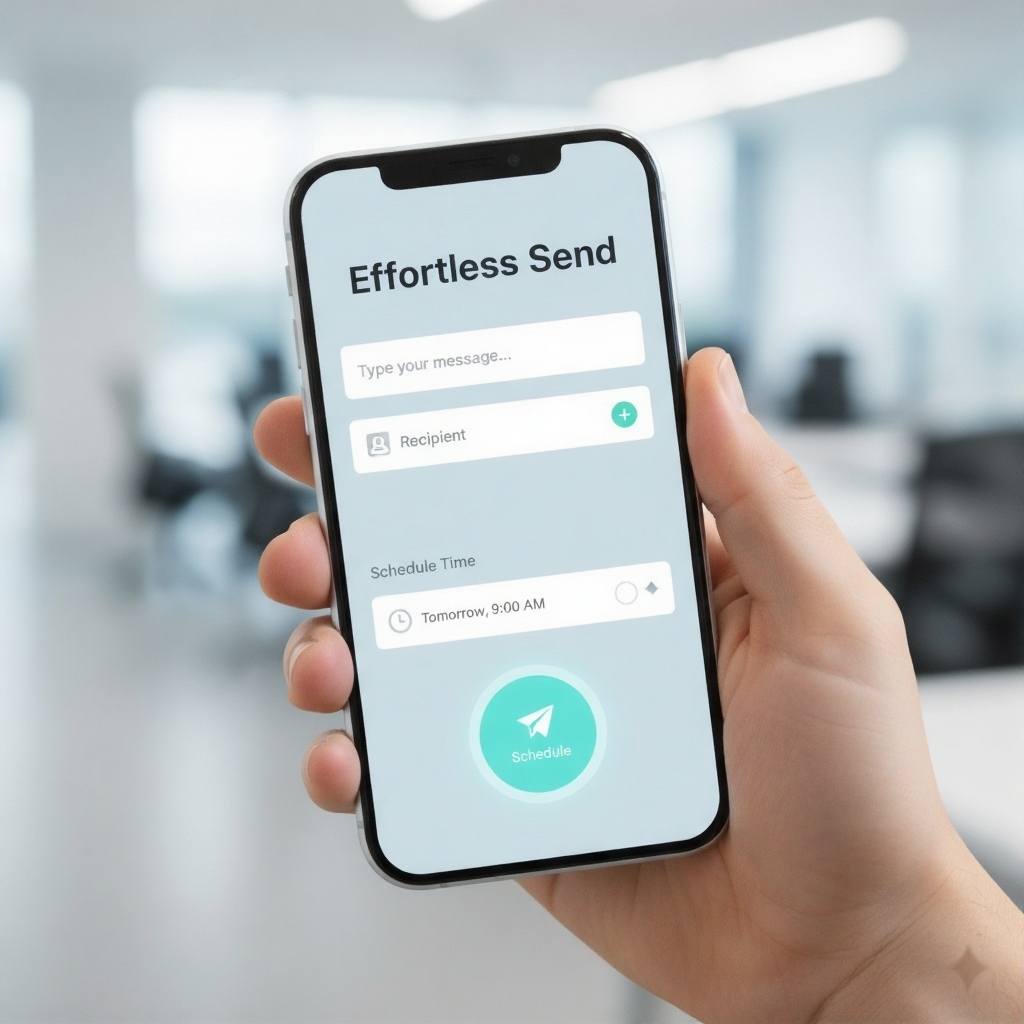
AutoSend fits time-batching well because it lets you empty your pending message queue quickly, then return to work while the messages are delivered later.
From Reactive to Intentional Communication
This is not just a small hack. It is a shift from living inside message interruptions to deciding how communication fits around real work.
Five intentional minutes of scheduling can save hours of fragmented attention across a week.
Quick answers
How do I stop WhatsApp from ruining deep work?
Use time-batched communication windows, mute distractions outside those windows, and schedule non-urgent replies instead of reacting immediately.
What is time-batching in WhatsApp communication?
It means processing messages at planned times instead of on arrival, so communication happens on your schedule and does not constantly interrupt focused work.
Why schedule replies instead of sending immediately?
Scheduling lets you clear your mental backlog in one pass while controlling when the message lands, which is especially useful during work hours and client communication.
Turn the guide into a real workflow
Read the strategy here, then use AutoSend to schedule messages, build reply routines, and make the system practical in daily life.
Showing pricing for United States.
Google Play charge may vary in some locations due to store tax rules and regional overrides.